First: which app?
The Lowe VPN page gives you two buttons, and they are for different apps. This is the step people get stuck on.
lowe-vpn.json). This guide follows this path.
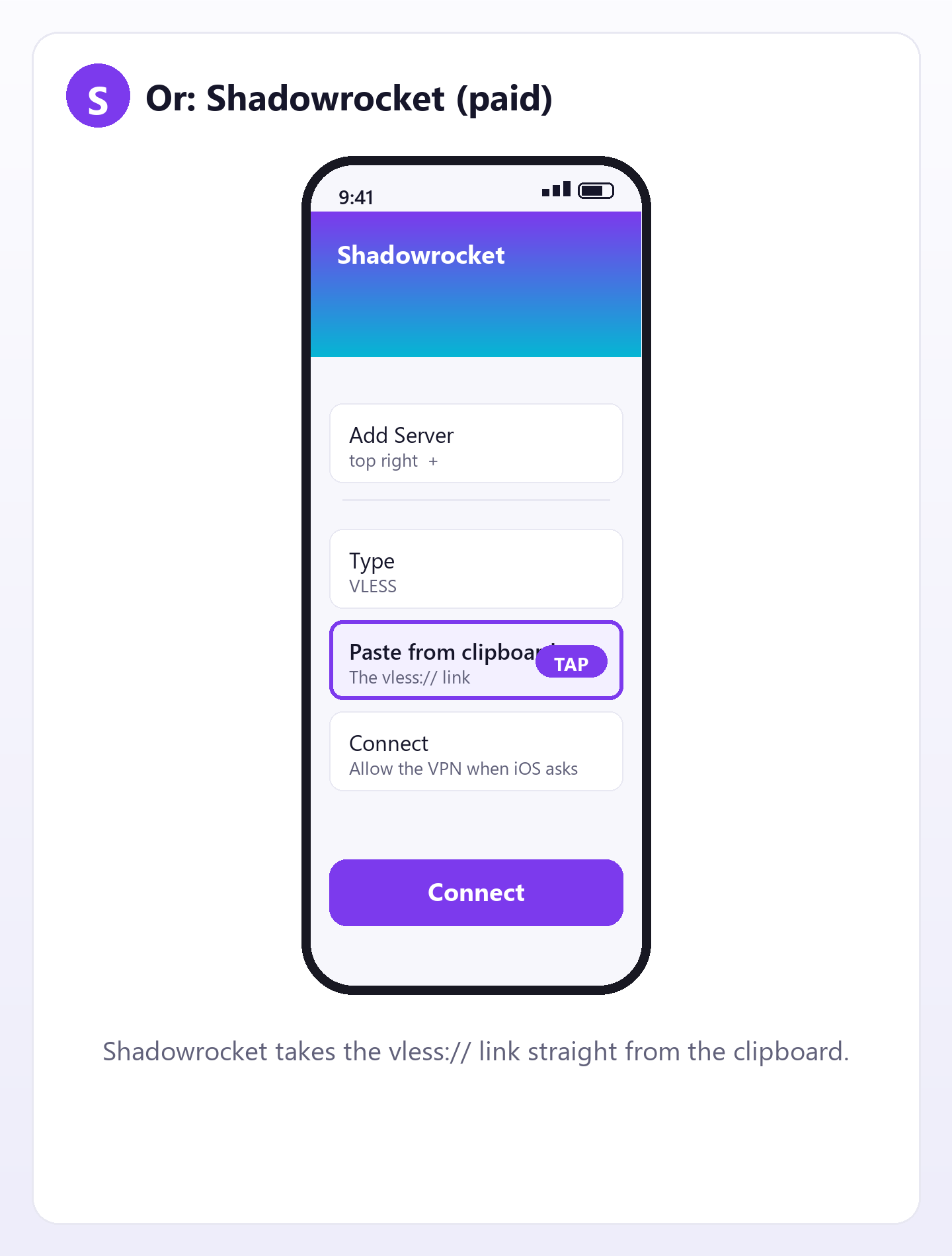
vless:// link straight from the clipboard.
vless:// link is not a config file, so
sing-box cannot open it. That is why there are two buttons.Not installed anything yet? Open the page first, then come back here.
Method 1 — sing-box free
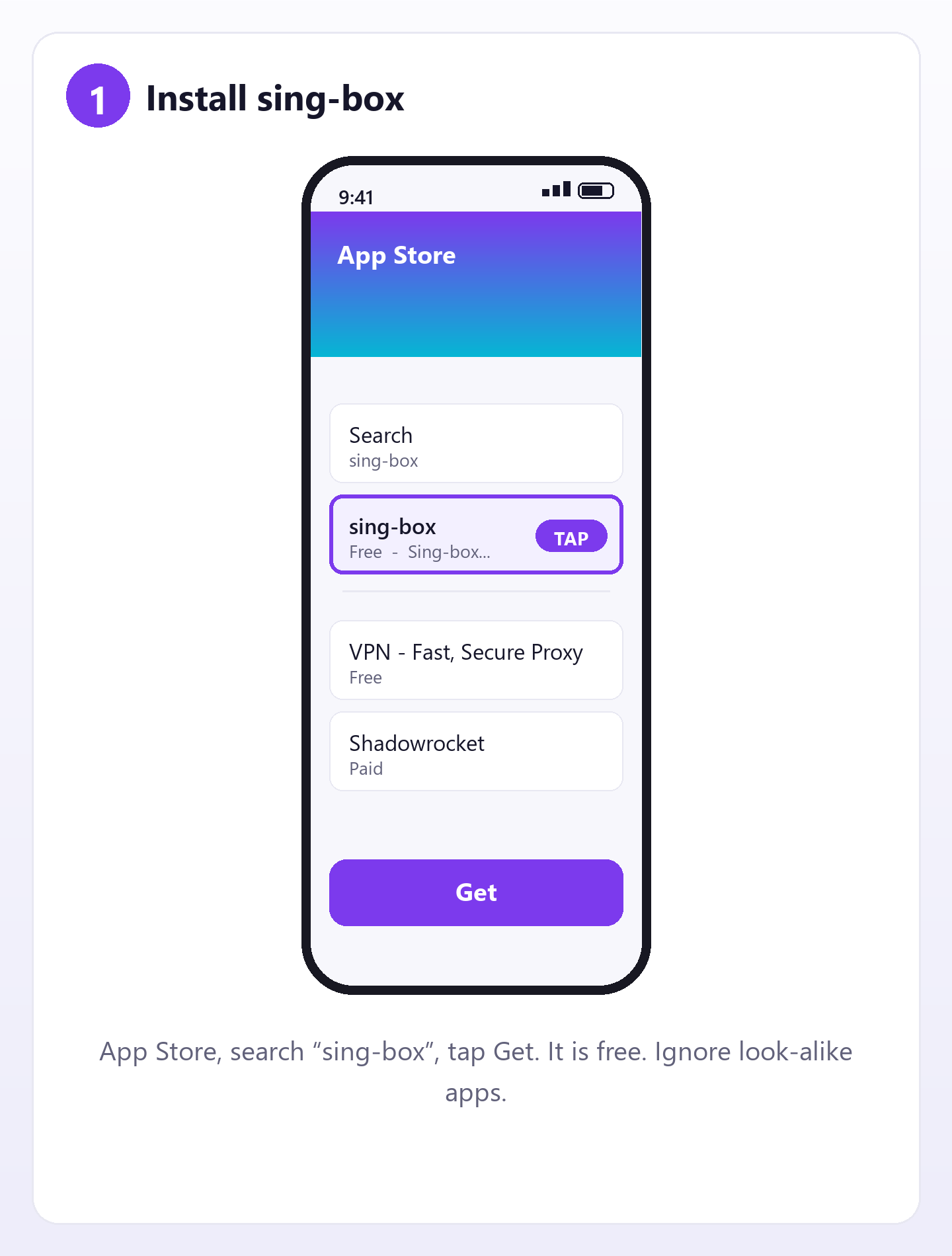
Install sing-box from the App Store
Search for sing-box. The icon is a grey/blue box. It is free and open source — the one you want is by SagerNet, not a VPN with a similar name.
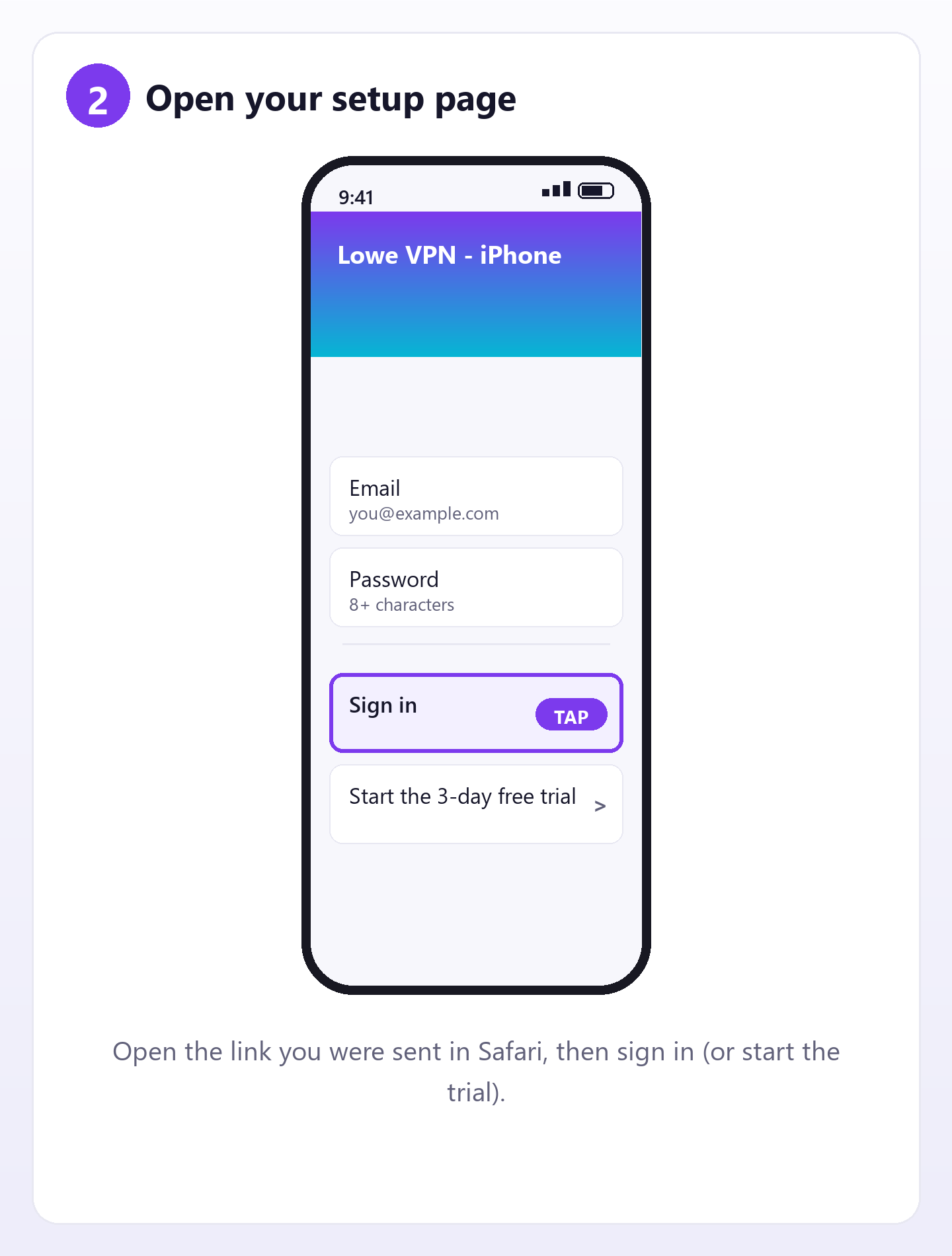
Open your setup page and sign in
Open the Lowe VPN link you were sent in Safari, then sign in with your email and password. No account yet? Tap Start the 3-day free trial.
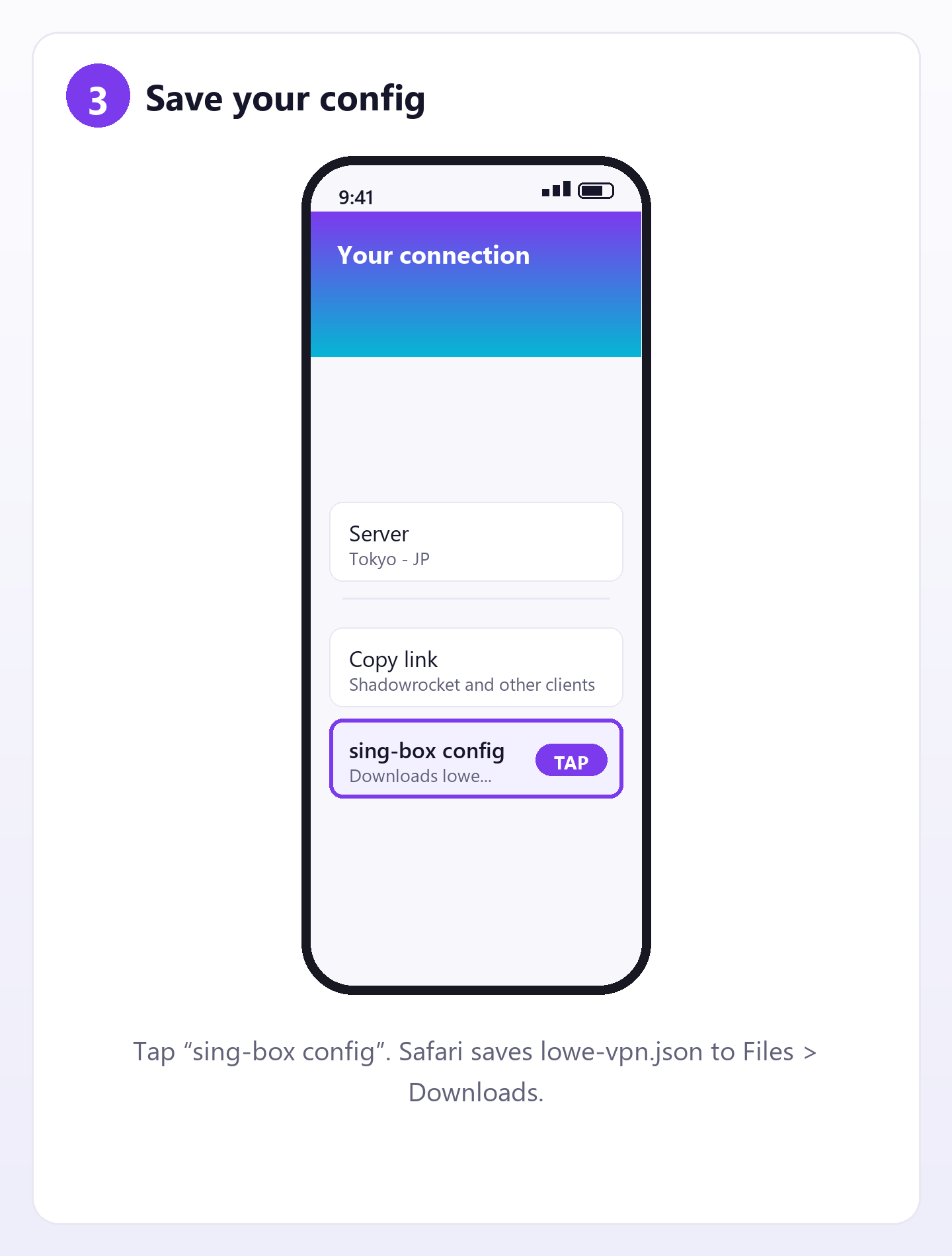
Tap “sing-box config”
Under Your connection, tap sing-box config. Safari saves
lowe-vpn.json — you can find it in Files ▸ Downloads.
Import it into sing-box
Open sing-box, go to Profiles, tap +, and import the file you just downloaded (Import from file; some versions offer Import from clipboard instead). Name it “Lowe VPN”.
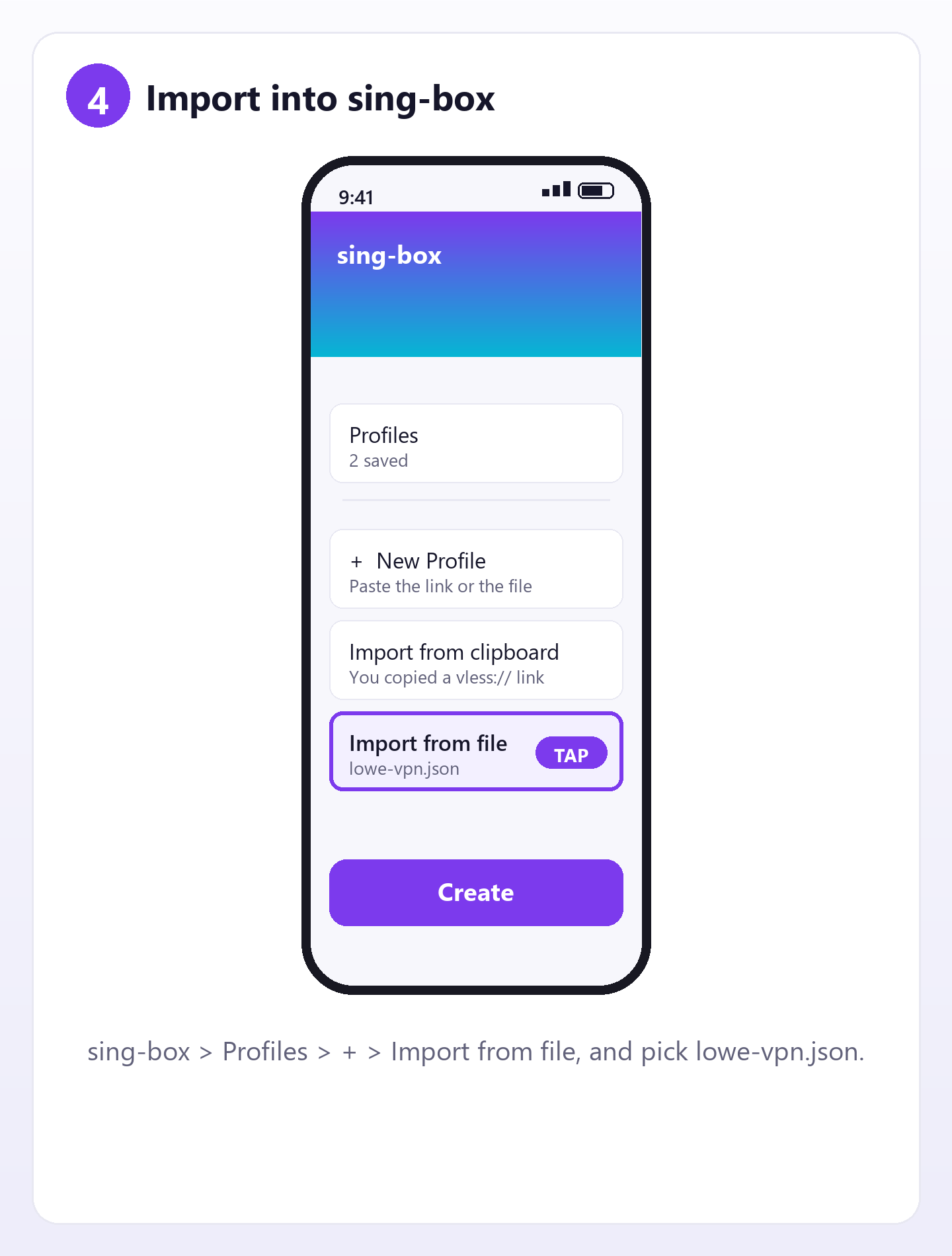
Menu wording changes between versions. Look for the Profiles tab and a + button; both have been there for years.
Allow the VPN
Tap your new profile, then Connect. iOS asks once: “Lowe VPN” Would Like to Add VPN Configurations → tap Allow and confirm with Face ID or your passcode.
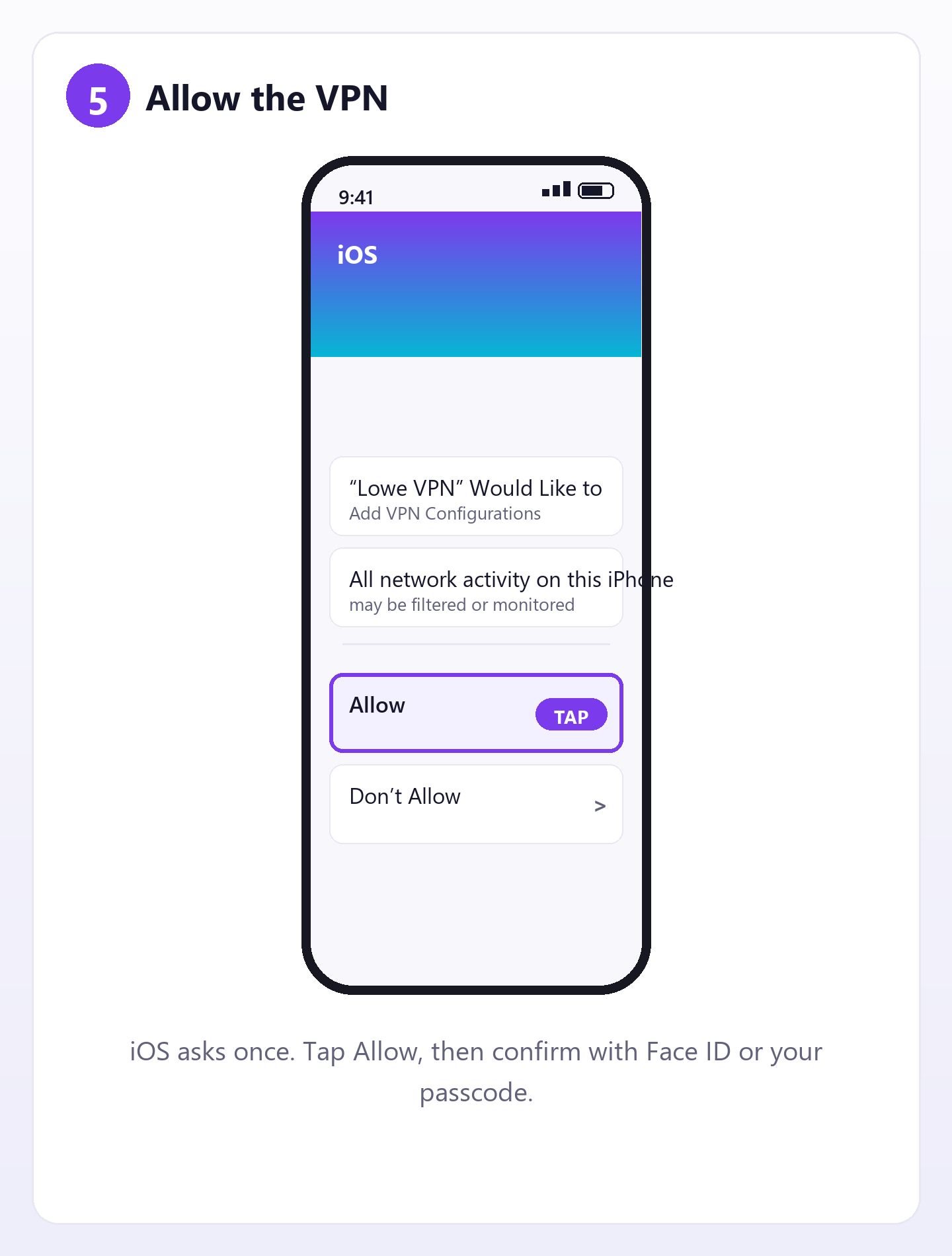
This prompt is iOS asking for permission — it is not a purchase, and it only appears once.
Check that it works
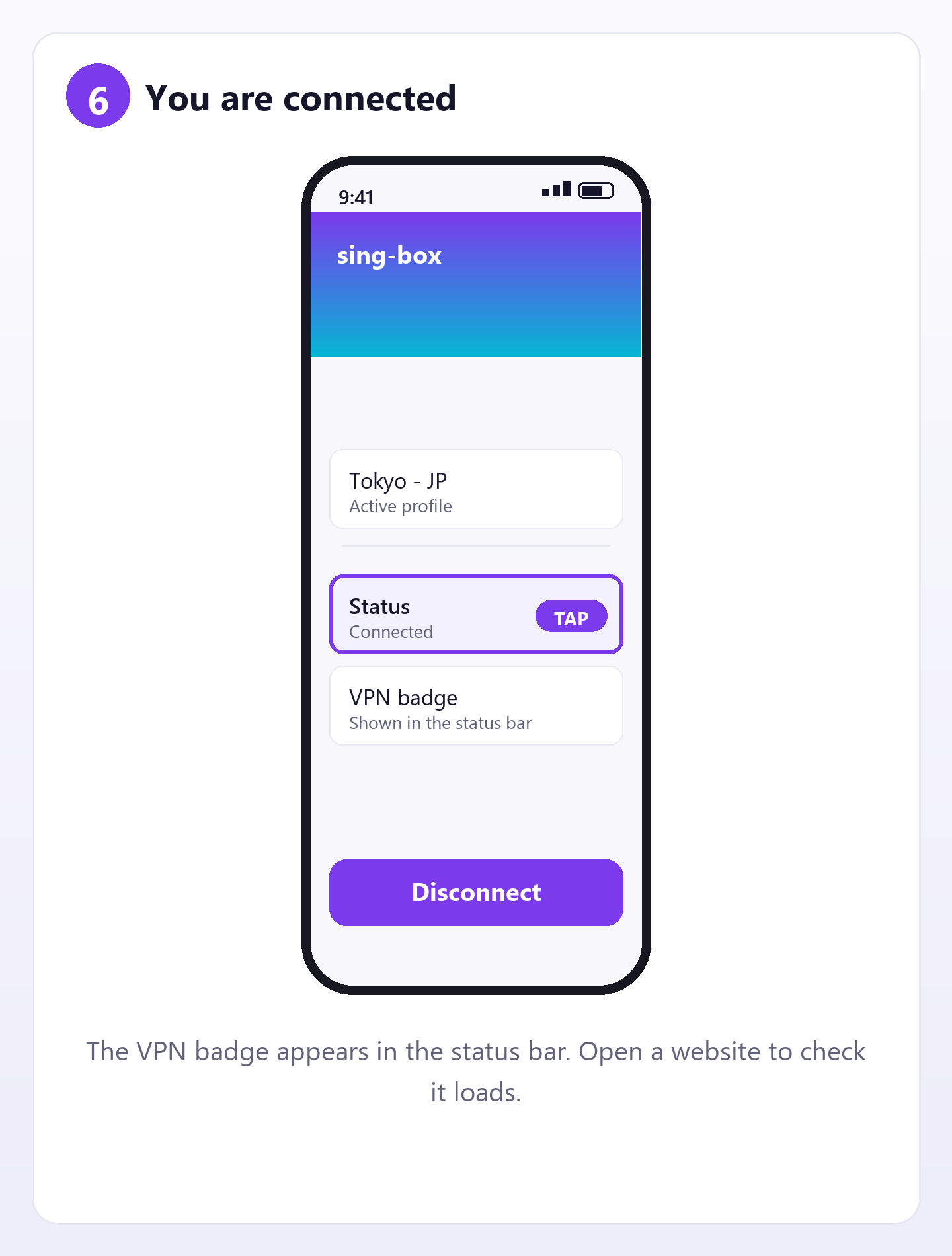
The VPN badge appears in the status bar. To check the traffic really goes through the Tokyo line, open api.ipify.org in Safari: it should show 45.77.27.59. (A Chinese site loading proves nothing — in Smart mode those go direct on purpose.) Tap Disconnect in sing-box when you are done.
Method 2 — Shadowrocket paid
Shorter, because it takes the link directly. It costs a few dollars and must be bought with an Apple ID from a storefront where it is sold.
Copy the link, then paste it in Shadowrocket
On the Lowe VPN page tap Copy link. Open Shadowrocket → the + at the top right → Type: VLESS → Paste from clipboard → Save → tap the server → Connect → Allow.
Keep it private
Your plan allows three app devices. Signing in on this website does not use one of them.
If it does not work
sing-box will not import the file
Open Files → Downloads → tap lowe-vpn.json →
Share → choose sing-box. If your sing-box version has no file import at
all, use Shadowrocket with the vless:// link instead — that link is what the
other clients expect.
“App not available in your region”
Apple shows different apps in different storefronts. sing-box is free and available in most; if it is missing from yours, you need an Apple ID whose region carries it.
It connects but nothing loads
First try the other profile (if the page showed a Hysteria2 line, sing-box may prefer it; switching to the VLESS profile is the usual fix when UDP is blocked). Still nothing? The Tokyo server may be unreachable from your network — try mobile data instead of Wi-Fi.
Tapping the link does nothing
No app has registered the vless:// scheme yet. Install a client first, or
paste the link inside the app by hand.
“Your plan has expired”
The page asks the backend for your connection and the backend refused. Renew from the app or with a redeem code, then reload the page.
How do I remove it later?
iPhone Settings ▸ General ▸ VPN & Device Management ▸ VPN lists every VPN configuration. Delete the Lowe VPN profile there, and remove the profile inside sing-box/Shadowrocket too.
On Android or Windows?
Those have a real Lowe VPN app — nothing to configure by hand. Install the APK (Android) or the Microsoft Store package (Windows), sign in, and tap Connect. The same account works on every platform.
This page is only about iPhone and iPad, where there is no Lowe VPN app yet.